Choose one coast for the day. Use the Jeju Bus Information System to find the stops in both directions and check the last return bus. It also shows live bus positions. Allow extra time between services in rural and mountain areas, and tap your transit card when boarding and leaving.
In this guide
Read the whole route number
Some Jeju routes have a suffix after a hyphen. Enter the whole number in the bus information system. Find your destination in the stop list and read the two stops before it. On a loop, several names on the display may look familiar. Their order tells you whether the bus reaches your destination soon or goes around another neighbourhood first.
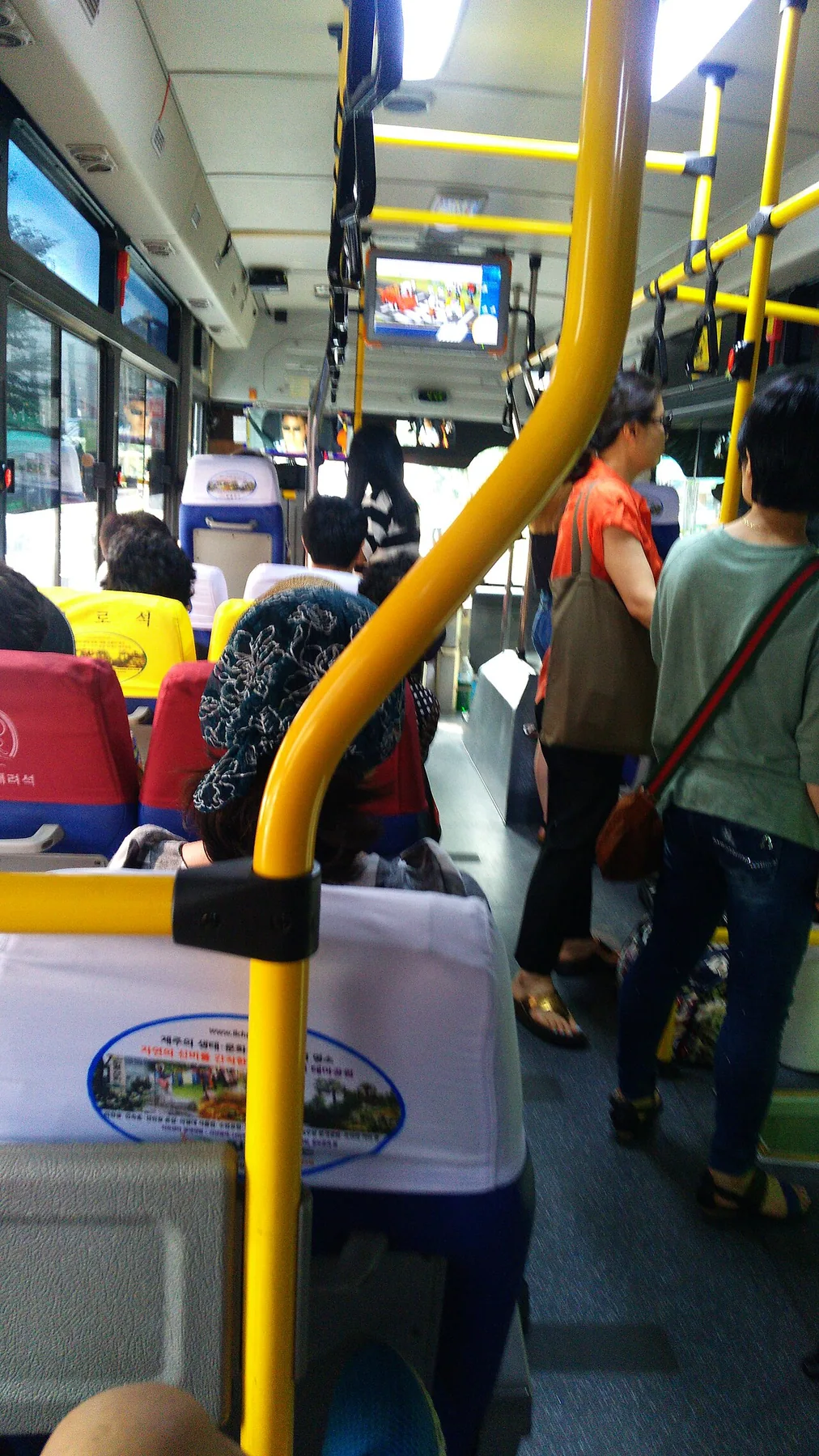
Check the timetable against the moving bus
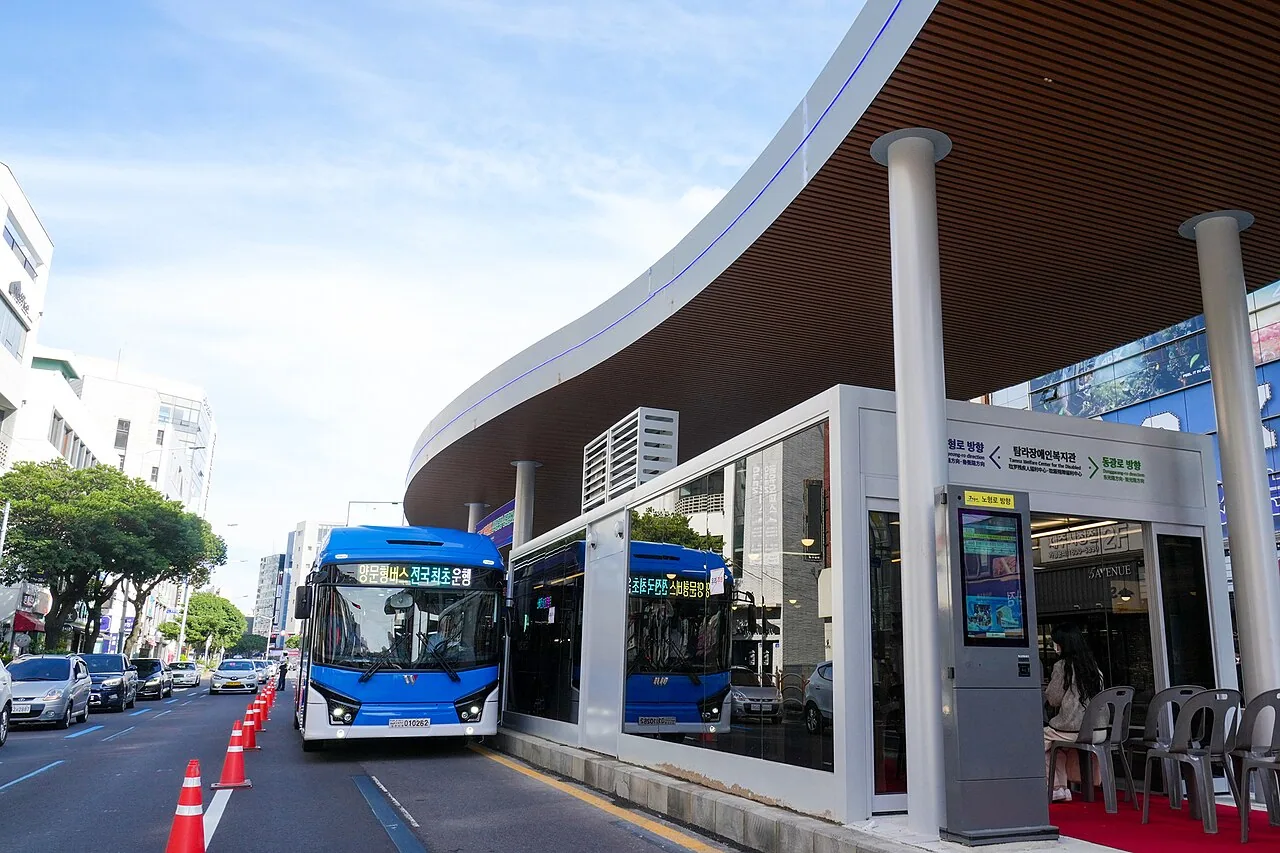
Start with the timetable for the right day and direction, then open the live map to see whether a bus has left its terminus and which stops it is between. If no vehicle icon appears, return to the schedule and look for the cancellation notices under 버스 결행 안내. Keep both views handy while waiting at an exposed village stop in the rain.
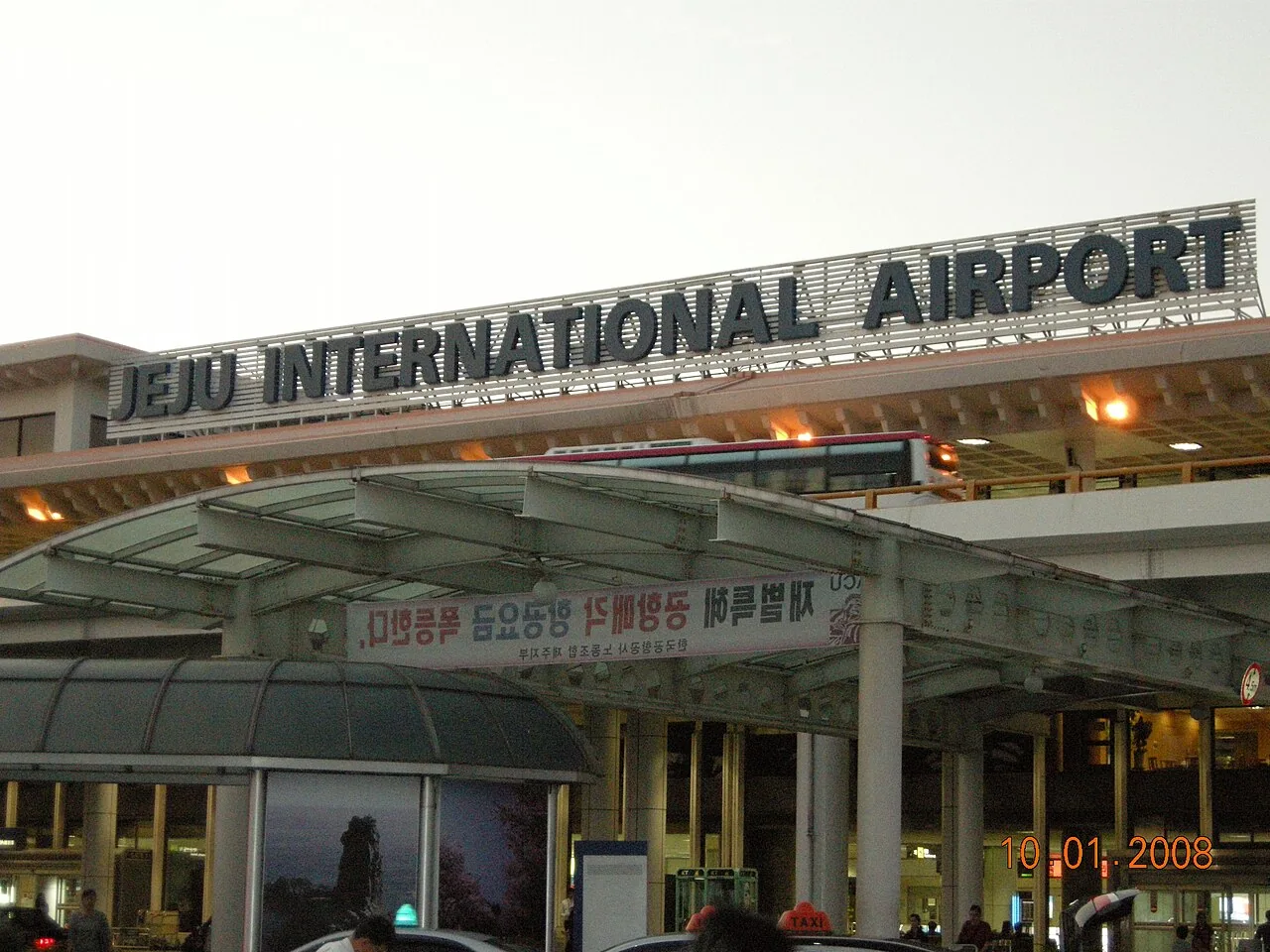
At the airport, match the stop before queuing
At Jeju Airport, use the airport transport guide to identify the direction you want, then check the stop nearest your accommodation in the bus system. Follow the signs outside arrivals to the right waiting area and confirm your stop is served by the next bus. If one traveller is delayed at baggage reclaim, agree to meet under the same bus-stand sign.